
Adding state supply numbers to pet listings
PetRescue recognises that some states require members to list a Supply Number on pet listings. With this in mind, the platform allows members to add this number to their group profile so that it will automatically appear on all of their pet listings.
To do this, start by logging in to your admin account.
- Go to Manage Group Profile
- Click Edit at the top of the page
- Go to the Regulatory requirements section
- As per the below, add your Supply Number to the relevant field
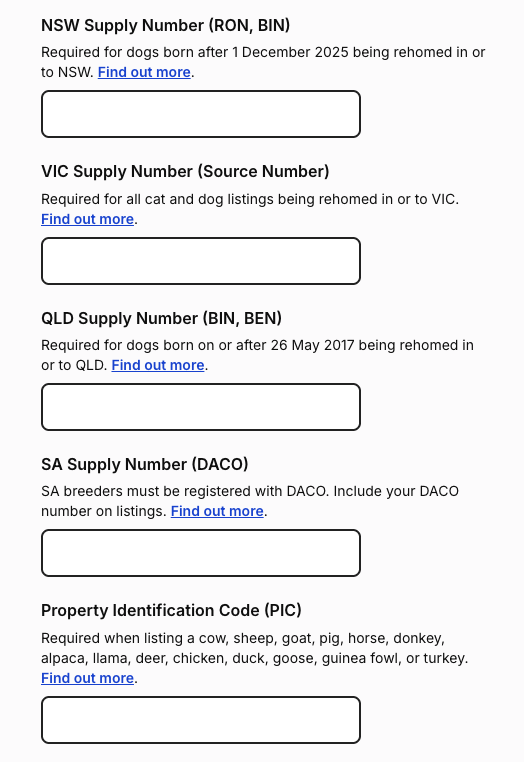
Once you have added the number in, be sure to scroll down to the bottom of the page and click 'Save Changes'.
To find out more about each states rehoming requirements and Supply Numbers check out this article.