
How to change your password
Changing your account password is simple. Just follow the steps below!
First be sure to be logged in, then:
- Click the circular profile icon in the top right hand corner of the screen.
- The dropdown options will then appear. Click ‘Change Password’.

- Follow the prompts, pictured below to set a new password.
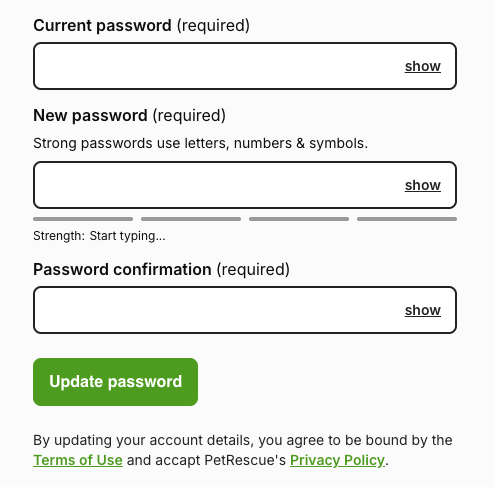
- Once completed, be sure to click the 'Update Password' button.